
How Schema Monster Works
Install it once. Schema Monster reads your pages, builds clean JSON-LD, strips out conflicting markup, and keeps everything aligned as your site changes. Here's exactly what happens, step by step.
- Home
- How It Works
STEP 1
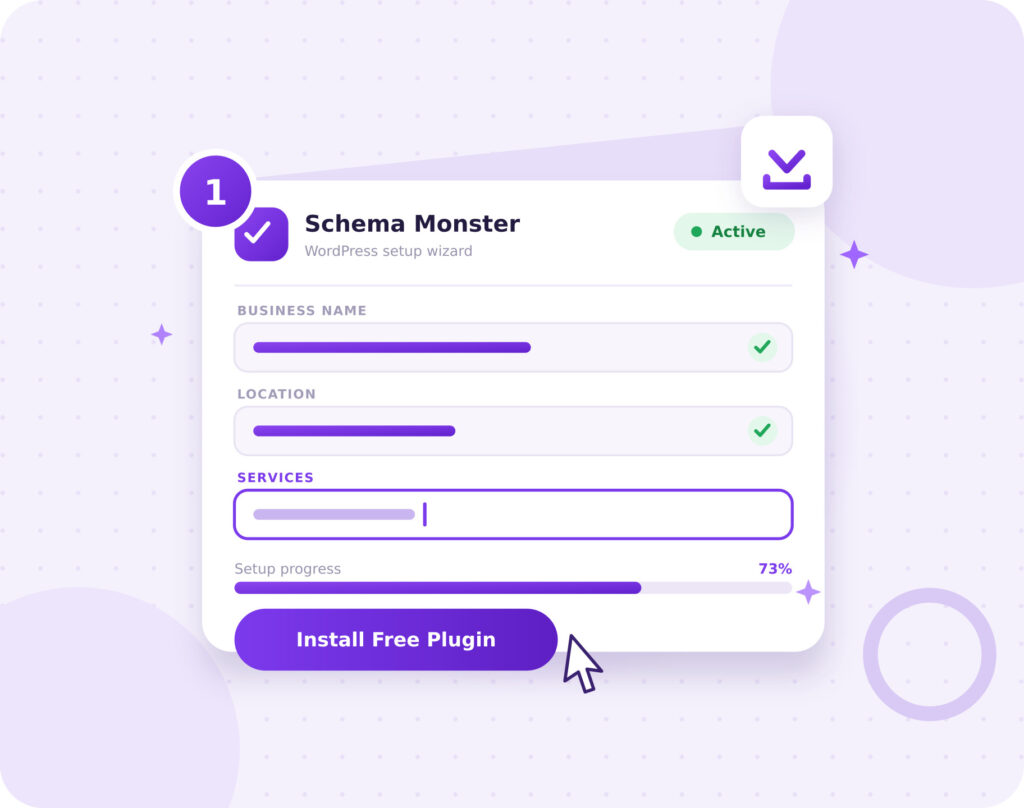
Install and add your business details.
Schema Monster installs like any other WordPress plugin. A setup wizard walks you through it in about a minute. Add your business name, location, services, and social profiles once, and that becomes your site-wide foundation. It runs next to Yoast, Rank Math, and other SEO tools without fighting them for control. You won't write a line of JSON-LD.
-
Guided setup wizard, no developer needed
-
Site-wide Organization and WebSite schema built from your details
-
Runs alongside major WordPress SEO plugins without conflicts
STEP 2
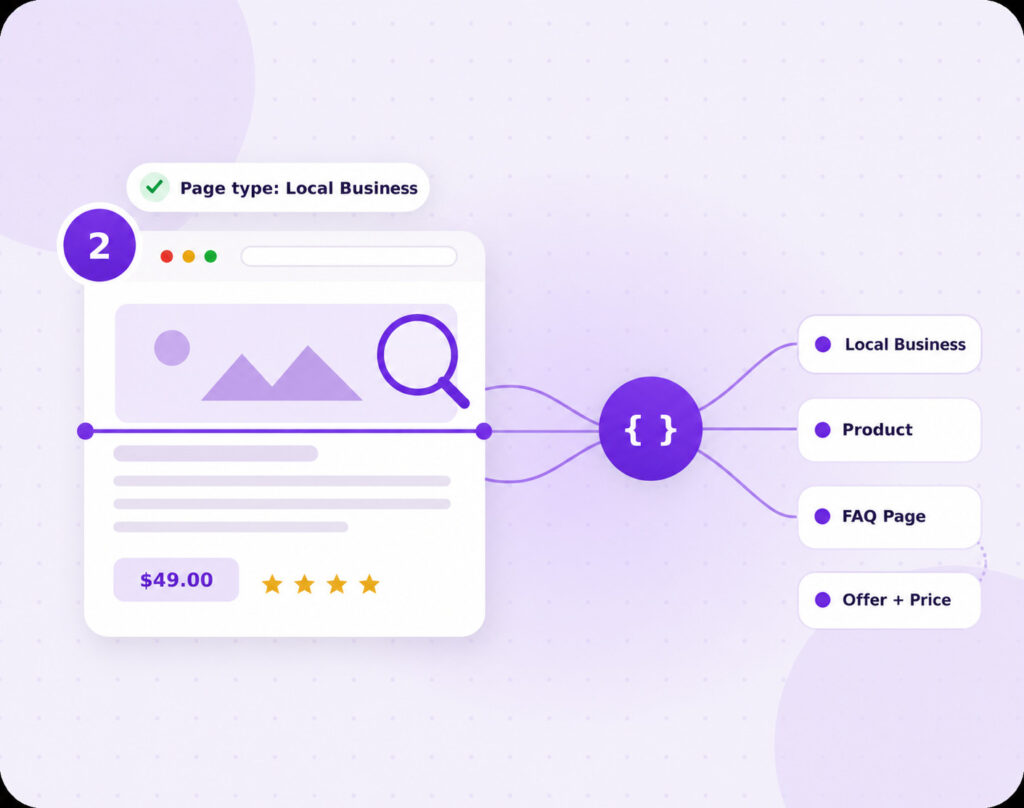
Schema Monster reads the page and builds the right schema.
Here's the part most plugins skip. Schema Monster reads each page and works out what it actually is: a product, an article, a local business page, an FAQ. Then it maps that page to the matching Schema.org type, builds the JSON-LD, and injects it into your page head. Variable placeholders fill in live data on their own, so a price or an address updates itself instead of going stale. A product page and a contact page should not speak the same machine language. With Schema Monster, they don't.
-
Automatic page-type detection (product, article, local business, FAQ, and more)
-
Variable placeholders that auto-fill with live page data
-
WooCommerce integration that pulls real prices, stock status, and ratings
STEP 3
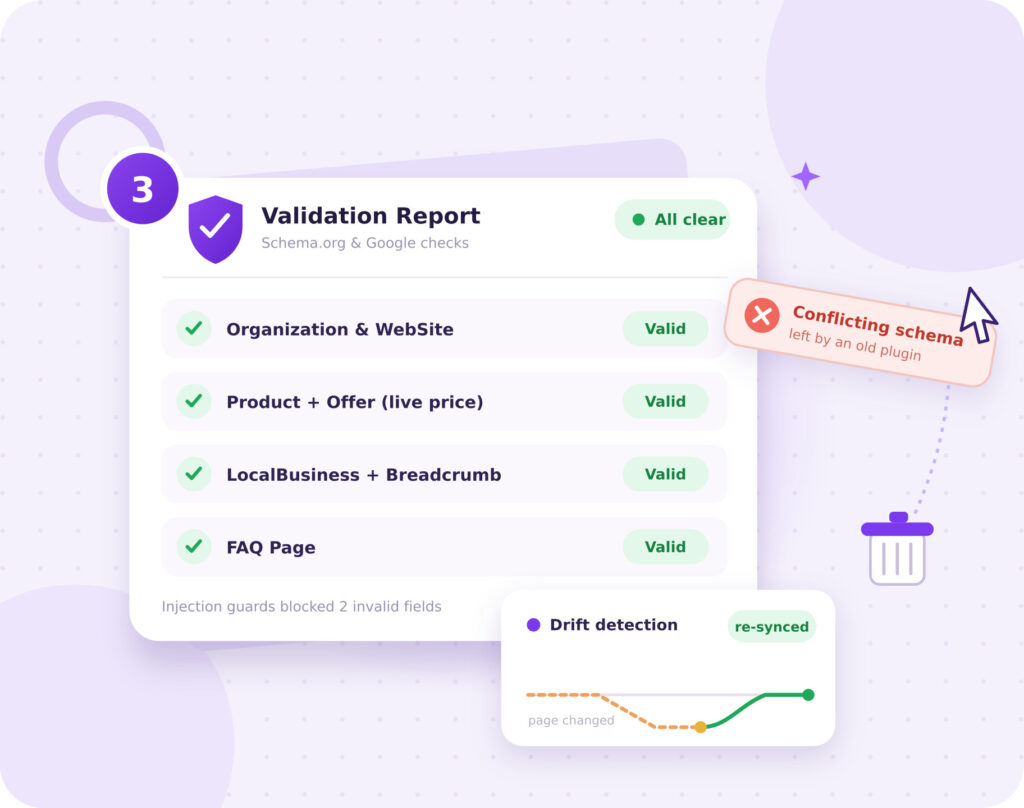
It validates the markup and catches drift over time.
Bad schema is worse than no schema. Before anything goes live, Schema Monster validates it against Google's structured data requirements and flags errors. Injection guards block invalid data from leaking into your output. If another plugin already dropped conflicting markup on the page, Schema Monster strips it so search engines read one clear signal instead of three competing ones. And when you edit a page later, it helps catch the drift, that slow gap that opens up between what your page says and what your schema still claims.
-
Validation against Schema.org and Google's structured data requirements
-
Conflicting schema from other plugins stripped automatically
-
Drift detection that keeps markup accurate as the site changes
A SAFETY NET, NOT JUST AUTOMATION
Automation you can actually trust.
Automatic schema is only useful if it's correct. Three safeguards run on every plan, free included.
Simple, but powerful schema automation
One setup. Clear page understanding. Clean markup in the background. That’s the part most schema tools overcomplicate.
WHO THIS WORKS FOR
Cleaner markup. Better eligibility. Less maintenance.
Schema Monster fits one WordPress site or a hundred. Here's who gets the most out of it.

Local businesses
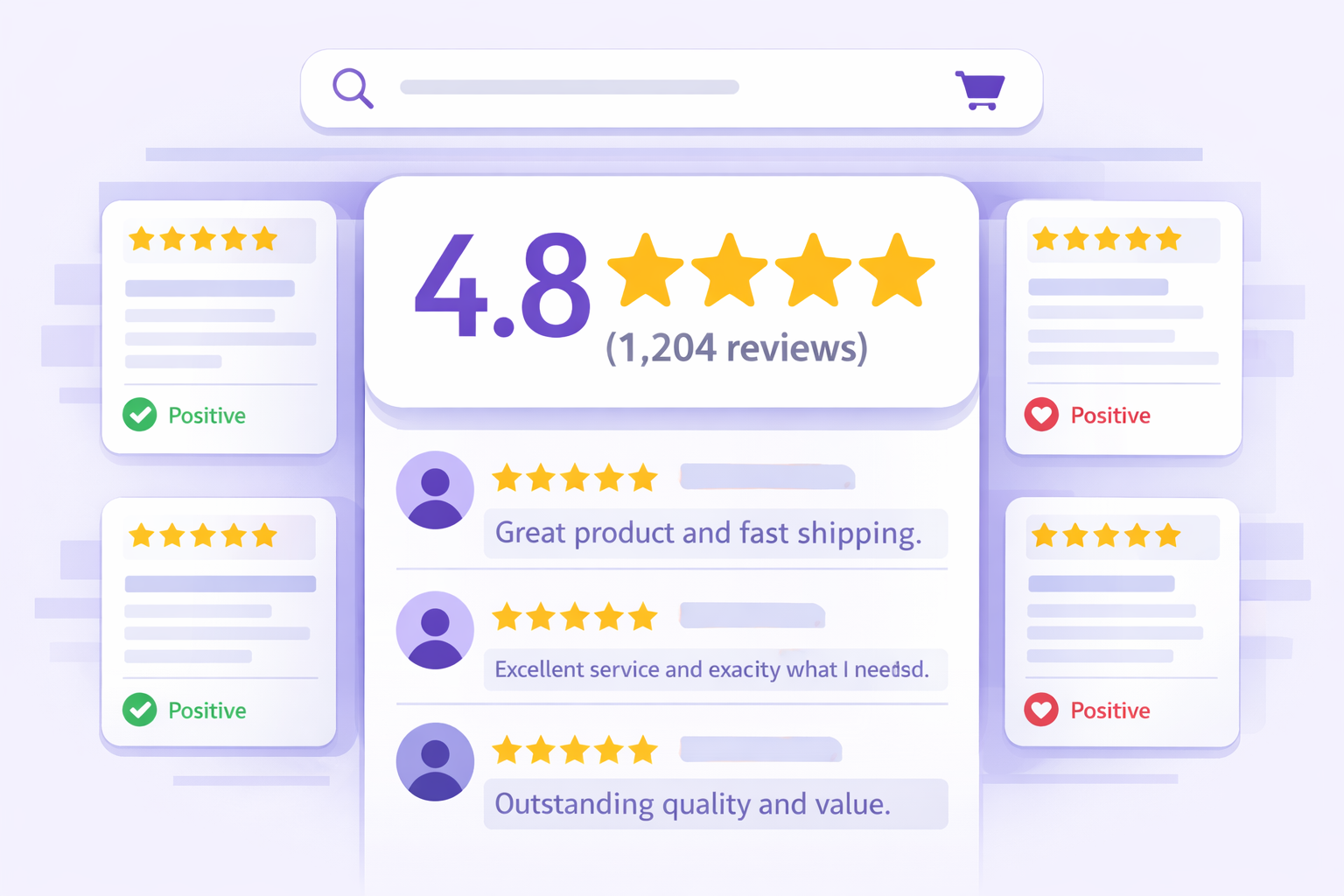
Search engines and AI tools pick up your address, hours, service areas, and reviews. Those are the trust signals that decide whether you show up when someone nearby is ready to buy.

WooCommerce stores
Product schema pulls straight from WooCommerce: live prices, stock status, ratings, and variants. Your listings show real numbers instead of blank fields.
Agencies and consultants
One repeatable workflow across every client site. Bulk operations, white-label admin, and API access live in the Mega tier for teams running schema at scale.
Why it Matters
Why businesses choose Schema Monster
You already built the page. Rebuilding it in code shouldn't be the price of being readable to search engines. Schema Monster handles the structured data layer so it doesn't become one more technical job your team has to babysit.
Fast setup
Install, run the wizard, add your details. You get working schema markup in minutes, not after a developer finally clears your ticket.
Conflict cleanup
Schema Monster owns the JSON-LD layer, so it can clear out the duplicate and overlapping markup other plugins leave behind. One clean signal, not three fighting each other.
AI page understanding
Schema Monster reads your content and metadata, figures out the page intent, and maps it to the closest schema type.
Ongoing accuracy
Your site changes. Your schema should keep up. Schema Monster watches for drift and helps your markup stay accurate after every price change, rewrite, and new page.
Common questions about how Schema Monster works
New to schema markup, or just checking this is right for your site? These are the questions people actually ask before they install: what it does, whether it needs code, whether it breaks anything, and whether it helps with AI search.
You run the setup wizard and add your business details. From there, Schema Monster starts reading your pages and generating structured data for them. No code, no developer ticket. Most sites are producing clean JSON-LD within minutes of activation.
It reads the page. Content, structure, and metadata tell it whether it's looking at a product, an article, a local business page, or something else, and it maps that to the matching Schema.org type. The free plugin handles this with automatic page classification. The Mega tier adds AI analysis that reads the content more deeply and builds more detailed schema.
No. A location page and a blog post have different jobs, so they get different schema. Schema Monster builds markup from each page's actual content and type, not a single template stamped across the whole site. That's the difference between schema that describes your page and schema that just fills a slot.
Real businesses aren't flat. Your organization owns services, your services cover areas, your products belong to a store. Schema Monster builds nested JSON-LD that connects those entities instead of listing them as separate, disconnected blocks. Search engines and AI tools can then follow how the pieces of your business relate.
This is where schema usually breaks. You change a price or rewrite a service page, and the old markup quietly stops matching. Schema Monster watches for that drift and helps keep your structured data lined up with what's on the page, so you're not shipping numbers that went stale three months ago.
This is where schema usually breaks. You change a price or rewrite a service page, and the old markup quietly stops matching. Schema Monster watches for that drift and helps keep your structured data lined up with what's on the page, so you're not shipping numbers that went stale three months ago.
Themes and old plugins love to leave schema behind. When two sources describe the same page differently, search engines get a mixed signal. Schema Monster detects that overlapping or conflicting markup and strips it, so your site sends one clean version instead of three competing ones.
Get started with Schema Monster
Make Your Site Easier for Search Engines and AI Systems to Read Clearly
If keeping your schema correct means touching every page by hand, the process is the problem. Fix the process.
Free plugin. No credit card. Most sites are installed and running in under 10 minutes.